
Remote support
Expert help on your screen, wherever you live
Remote support means I fix your computer over the internet while you watch. It works anywhere in the US, and you stay in control from the first click to the last.
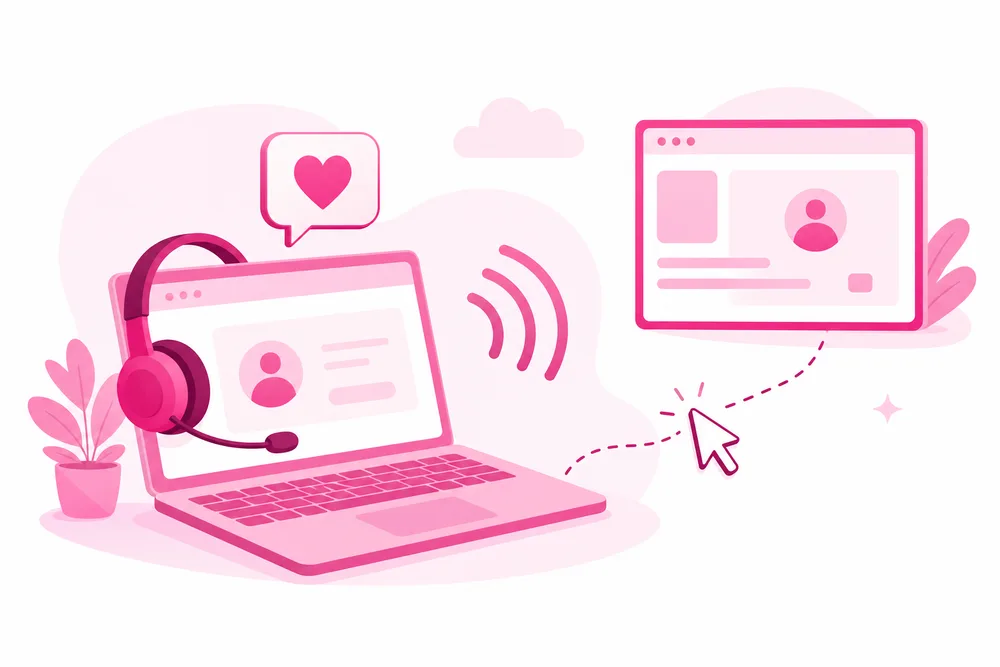
How a remote session works
- Book and sign. You book a session and sign the remote access consent form. I never connect without it.
- You invite me in. At the appointment time, I walk you through opening RustDesk or AnyDesk, a trusted screen-sharing app. You read me a one-time code; without it, nobody can connect.
- You watch everything. My cursor moves on your screen, live. Ask anything as I work; narrating what I do is half the service.
- You stay in control. Close the app at any moment and the connection is gone. When the session ends, my access ends with it.
Is remote access safe?
With a consent-first process, yes. Here is exactly what protects you:
Signed consent, every time
A written consent form, required before any session, spells out what I may do and what I may not. It protects both of us.
You start every session
Connections only happen when you open the app and share the one-time code with me. I cannot connect on my own, ever.
Nothing hidden
Everything happens on your screen where you can see it. No background access, no lingering software you don't know about.
A note on scams
Real technicians never call you out of the blue asking for remote access. I only ever connect at an appointment you booked yourself. If someone cold-calls claiming to be tech support, hang up.